Know who has read and signed every policy, without chasing paper.
RoomZoom keeps your own policies and training, like health and safety, lone working and COSHH, in one place. You assign each one with a due date, your team reads it and signs on their phone, and the training matrix shows who has signed what. When a client or an auditor asks, the record is a PDF away.
Your policies and training in folders
Write a document in the app or upload the PDF you already have, and file it in a folder such as Health and safety, Properties and keys, or People. Each one is a policy or a training document, so the record shows which is which.
Assign it with a due date
Give a document to everyone, to all cleaners, to your maintenance team or to named people, with the date it must be signed by. Someone who joins a group later is given its documents automatically.
Read and signed on their phone
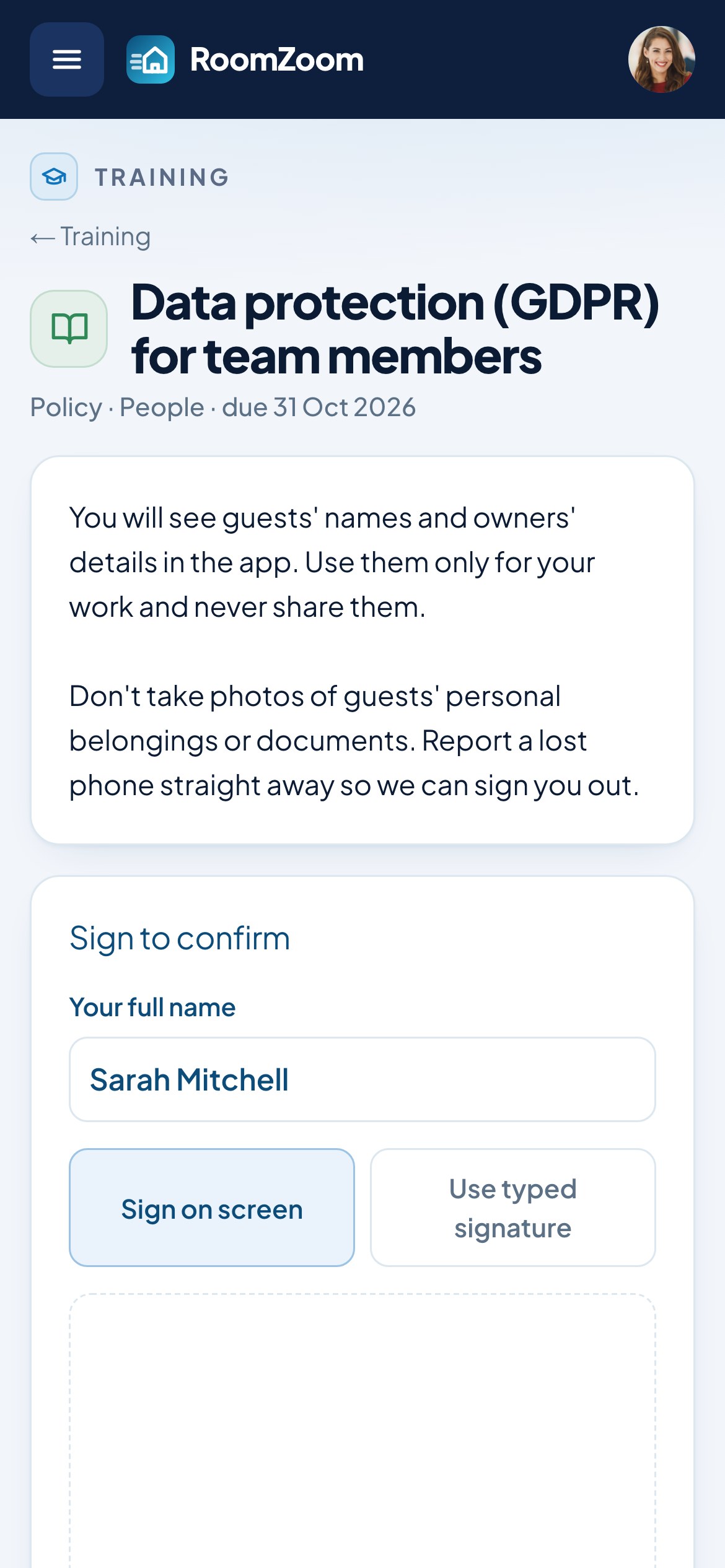
The next time each person opens the app, they are asked to read what's due and sign it, by drawing their signature on the screen or adopting their typed name. They can put it off until the due date, and not after: from then the reminder stays until they sign.
A training matrix that keeps itself
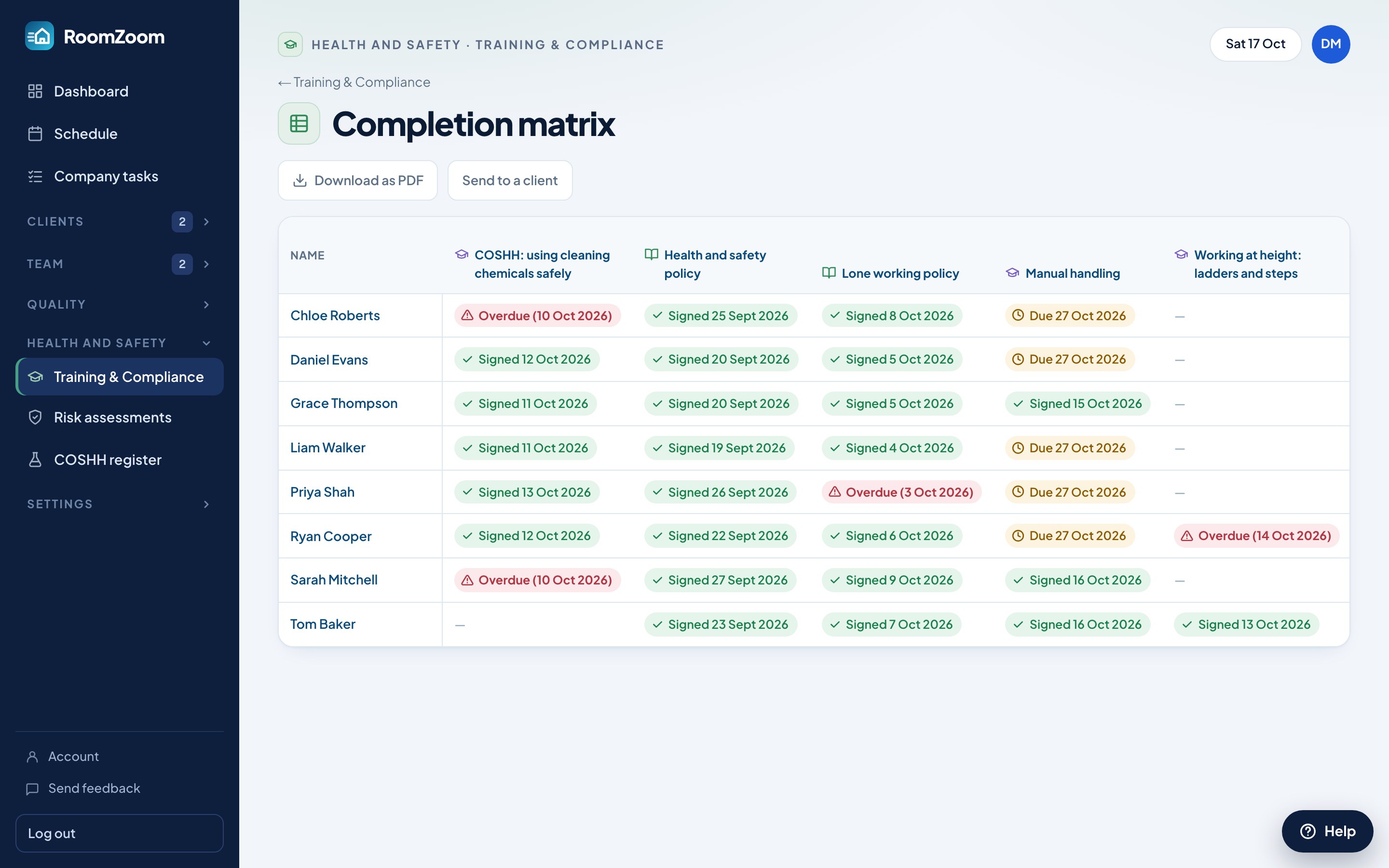
The completion matrix lists your team against every document: signed and when, due, or overdue in red. You no longer keep a spreadsheet up to date by hand.
A record you can show
Each document has a training record with every signature, time and version. Download it or the whole matrix as a PDF, or email it with the documents to a client who asks for proof that your staff are trained.
When a policy changes
Edit the document and it becomes a new version. Everyone has to sign it again, and the record keeps who signed which version and when.
In short
- ✓Policies and training in folders
- ✓Assigned to groups or named people, with due dates
- ✓Signed on the phone, drawn or typed
- ✓Training matrix of signed, due and overdue
- ✓Records and matrix as PDF, or emailed to a client
- ✓New versions to re-sign when a policy changes
Questions
What is a training matrix?+
A table of your staff against the training and policies they need, showing who has completed each one and when. RoomZoom builds it from the signatures in the app, so it is always up to date.
Can I use the policies I already have?+
Yes. Upload each one as a PDF, or paste the text into the app. You can use both: a short summary in the app with the full PDF attached.
Does my team need to install anything?+
No. They open RoomZoom on their phone as they do for their jobs, and anything due is shown when they sign in.
Do people get reminders?+
Yes, in the app. Each time they open it they are reminded of anything unsigned, and from the due date the reminder stays on screen until they sign.
Is it on the free plan?+
Training & Compliance is part of Pro, and of the free 14-day trial every new company gets. The COSHH register is on every plan, including the free Basic plan (up to 5 properties, 5 clients and 2 team members).
Try it with your own properties
Sign up free, with no card. Every Pro feature for 14 days, then stay on the free plan or upgrade.
Sign up free